 January 21, 2026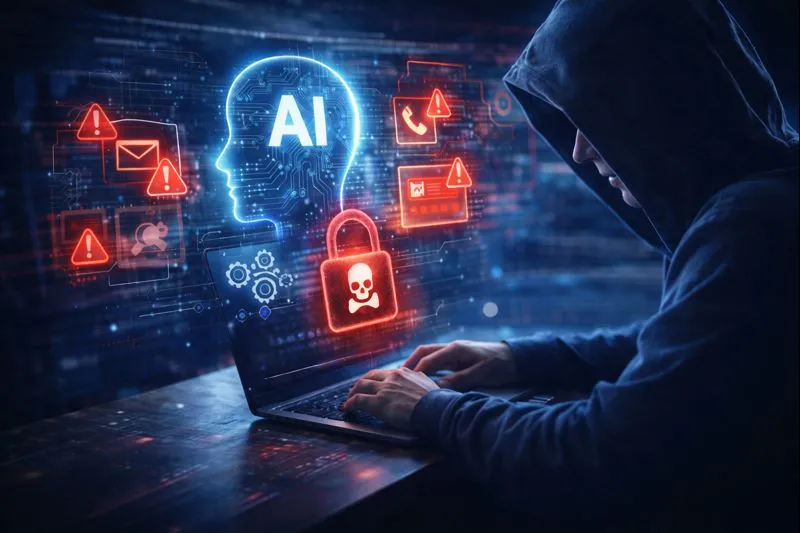
Scams are nothing new, but the way they’re being carried out has changed dramatically.
Artificial intelligence is now being used by cybercriminals to create scams that look, sound, and feel more convincing than ever. Messages are better written, emails look more professional, and fake requests are increasingly hard to tell apart from genuine ones.
This is affecting home users and businesses alike, and it’s one of the most common reasons people contact IT support today.
Here’s what’s changed, and what you can do to stay safe.
How AI has changed modern scams
Traditional scam emails were often easy to spot. Poor spelling, strange formatting, or generic greetings gave them away.
AI has removed many of those red flags.
Today’s scams may:
- Use perfect spelling and grammar
- Mimic real companies, colleagues, or suppliers
- Reference recent activity or realistic scenarios
- Adapt quickly if you reply or hesitate
Some scams even use AI-generated voices or writing styles to impersonate people you know, making them feel urgent and personal.
Common AI-powered scams we’re seeing
- Convincing phishing emails
Emails that appear to come from banks, delivery companies, Microsoft 365, or payment providers, often warning of “urgent action required”.
- Fake security alerts
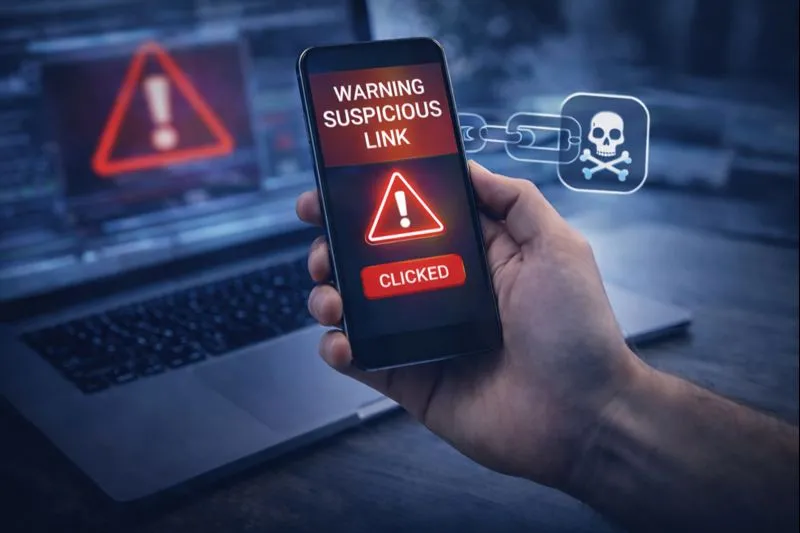
Pop-ups claiming your device is infected and urging you to call a number immediately. These are designed to panic users into acting quickly.
- Impersonation messages
Emails or texts pretending to be a director, colleague, or family member asking for urgent payments, gift cards, or login details.
- SMS and WhatsApp scams
Short messages with links that appear harmless but lead to fake login pages or malicious downloads.
Why these scams work so well
AI-driven scams succeed because they:
- Look professional
- Create urgency
- Play on fear or authority
- Arrive when people are busy or distracted
Even tech-savvy users can be caught out, especially during busy periods like holidays, tax deadlines, or when staff are away.
Falling for a scam doesn’t mean someone was careless. It means the scam was designed to be believable.
What to do if something doesn’t feel right
If you receive a message, email, or alert that makes you uneasy:
Stop. Don’t click. Don’t reply.
Instead:
- Take a moment to pause
- Avoid using any contact details in the message
- Speak to a trusted IT professional before taking action
A quick check can prevent account breaches, data loss, or financial damage.
How IT support helps protect you
Good IT support isn’t just about fixing problems after they happen. It’s about prevention, reassurance, and guidance.
An experienced IT provider can:
- Confirm whether a message or alert is genuine
- Check devices for signs of compromise
- Secure accounts if credentials may have been exposed
- Explain what happened in plain English
- Put safeguards in place to reduce future risk
For businesses, this can mean protecting sensitive data and continuity. For home users, it often means peace of mind.
Staying safe without becoming paranoid
You don’t need to distrust every message, but a healthy level of caution is essential.
Simple habits make a big difference:
- Be wary of urgency and pressure
- Question unexpected requests for information or payment
- Keep systems updated
- Ask for advice when unsure
- The safest response is often the calmest one.
Final thoughts: when in doubt, ask
Scammers rely on people acting quickly and alone. The easiest way to stay safe is to involve someone you trust before responding. Call Geeks on Wheels London 0203 051 7977.
If something doesn’t feel right, it probably isn’t.
Whether you’re a home user or a business, having a reliable IT support partner means you don’t have to make that call on your own.
Geeks on Wheels London Limited
Award-winning, trusted for over 21 years.
Which Trusted Trader Partner | Cyber Essentials Certified | ICO Compliant
Mobile on-site and remote IT support you can rely on.
Geeks on Wheels London Ltd: Tel 0203 051 7977